 DEMO / TEST ONLY
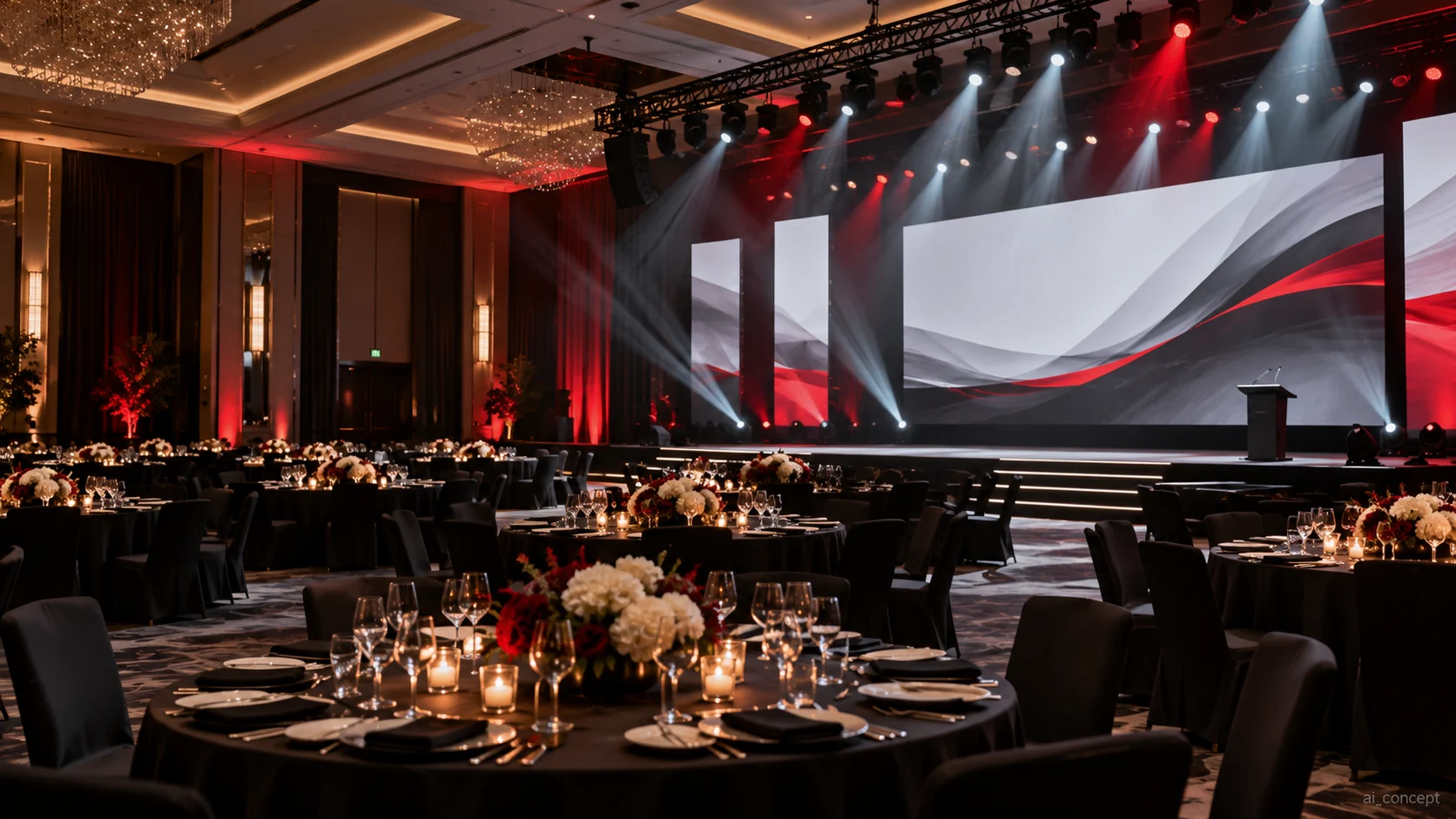
DEMO CONTENT — Concept / Sample Content for Website Demonstration — Identify each room configuration and operational handover point. Design audio zones and level control, presentation switching, stage-lighting cue requirements and screen visibility for both seated and standing audiences. Consider movable partitions, storage, acoustic variation and signage/cable protection. Document responsibilities between venue staff, external production crews and maintenance providers.
View solution →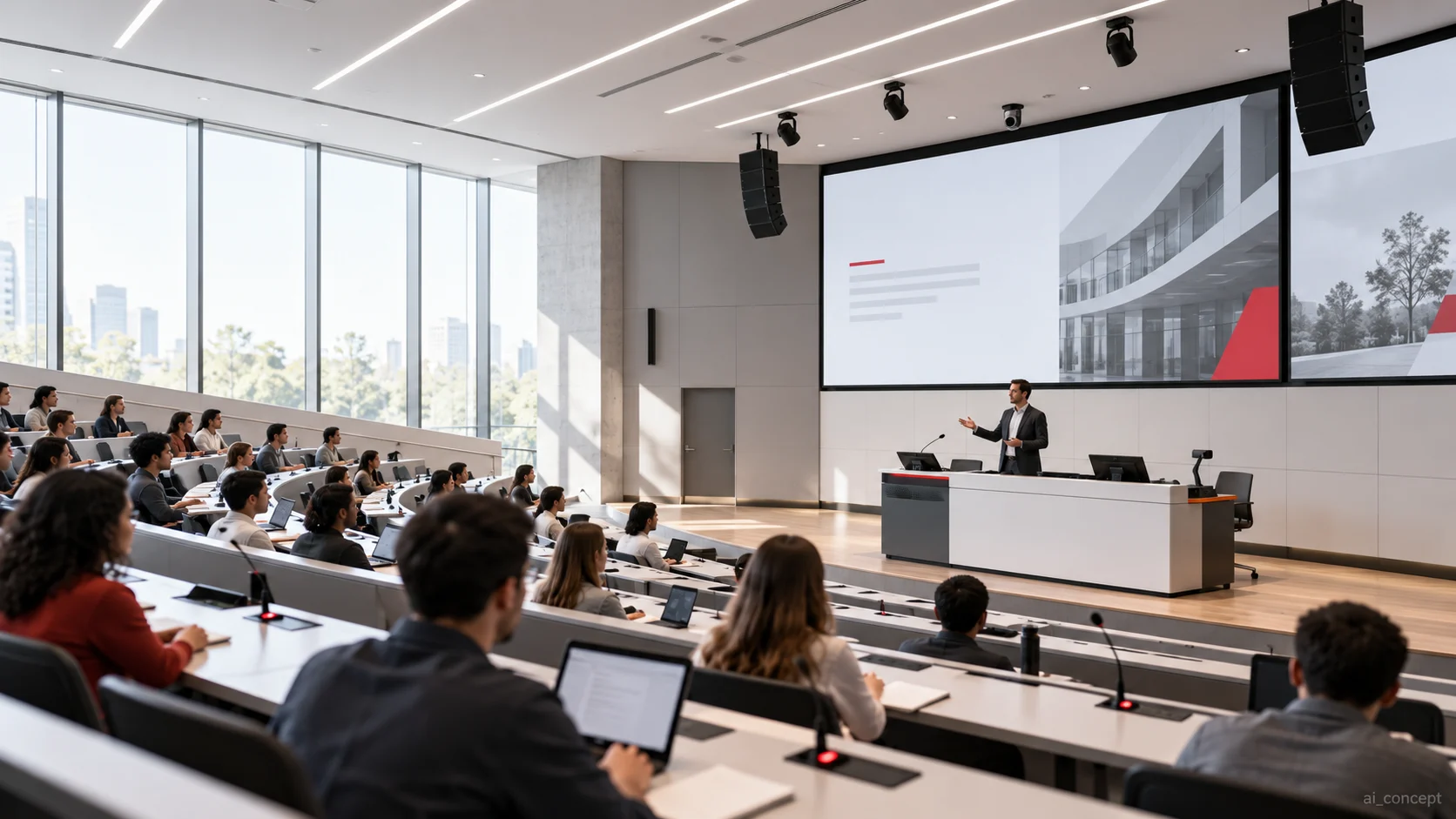 DEMO / TEST ONLY
DEMO CONTENT — Concept / Sample Content for Website Demonstration — Define the teaching modes—front-of-room presentation, classroom discussion, recording or hybrid teaching—then plan microphone placement, coverage for rear seats, viewing distance, accessibility needs and one-touch starting procedures. Coordinate cable paths, security policies and future maintenance with the institution’s IT and facilities teams. Validate both staff workflows and listener experience before handover.
View solution →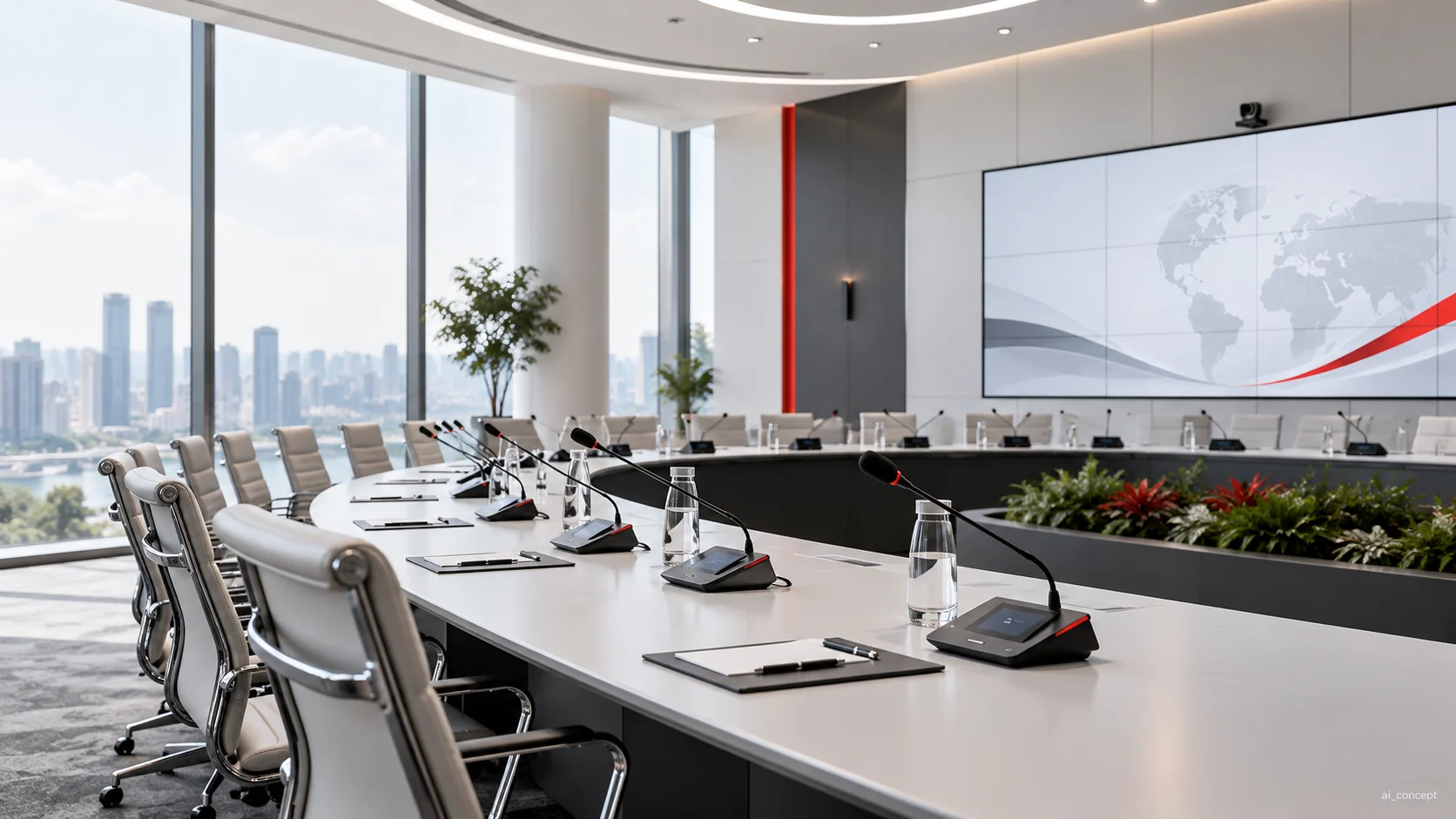 DEMO / TEST ONLY
DEMO CONTENT — Concept / Sample Content for Website Demonstration — Map typical meeting modes before choosing equipment: local presentation, hybrid call, chaired discussion, and guest-source sharing. Establish microphone pickup zones, loudspeaker positions, display legibility, acoustic treatment interfaces and straightforward control presets. Reserve sufficient network and cable infrastructure, then test the actual speech and switching experience from normal user positions.
View solution →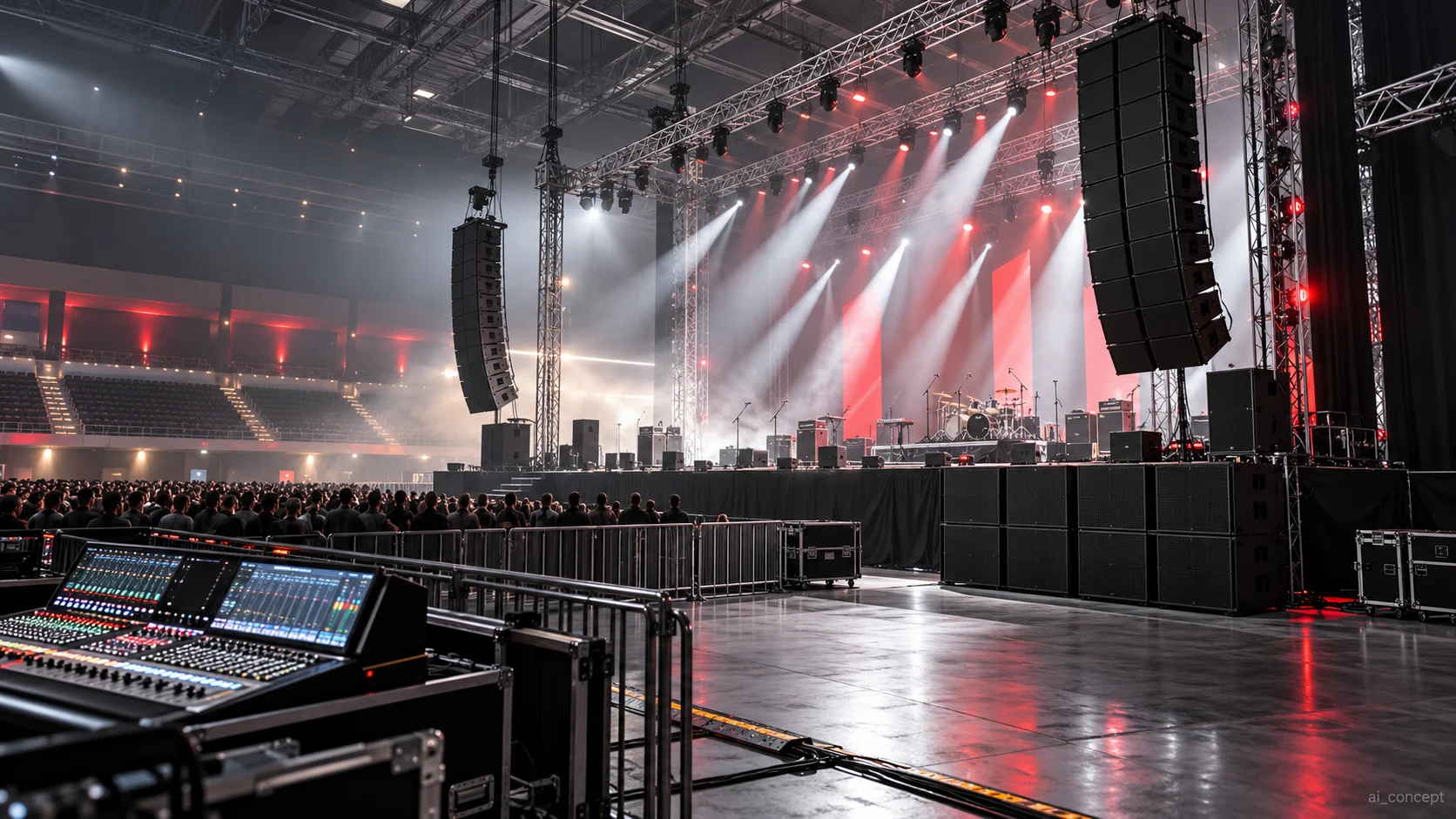 DEMO / TEST ONLY
DEMO CONTENT — Concept / Sample Content for Website Demonstration — Begin with audience areas, programme type, sound limits, sightline drawings, structural restrictions and production workflow. Plan loudspeaker positions and low-frequency behaviour, assign lighting positions and control paths, define video input/output formats, then create a show-control and emergency-operation checklist. Separate temporary event equipment from permanent infrastructure and review each hanging point through the appropriate engineering process.
View solution →